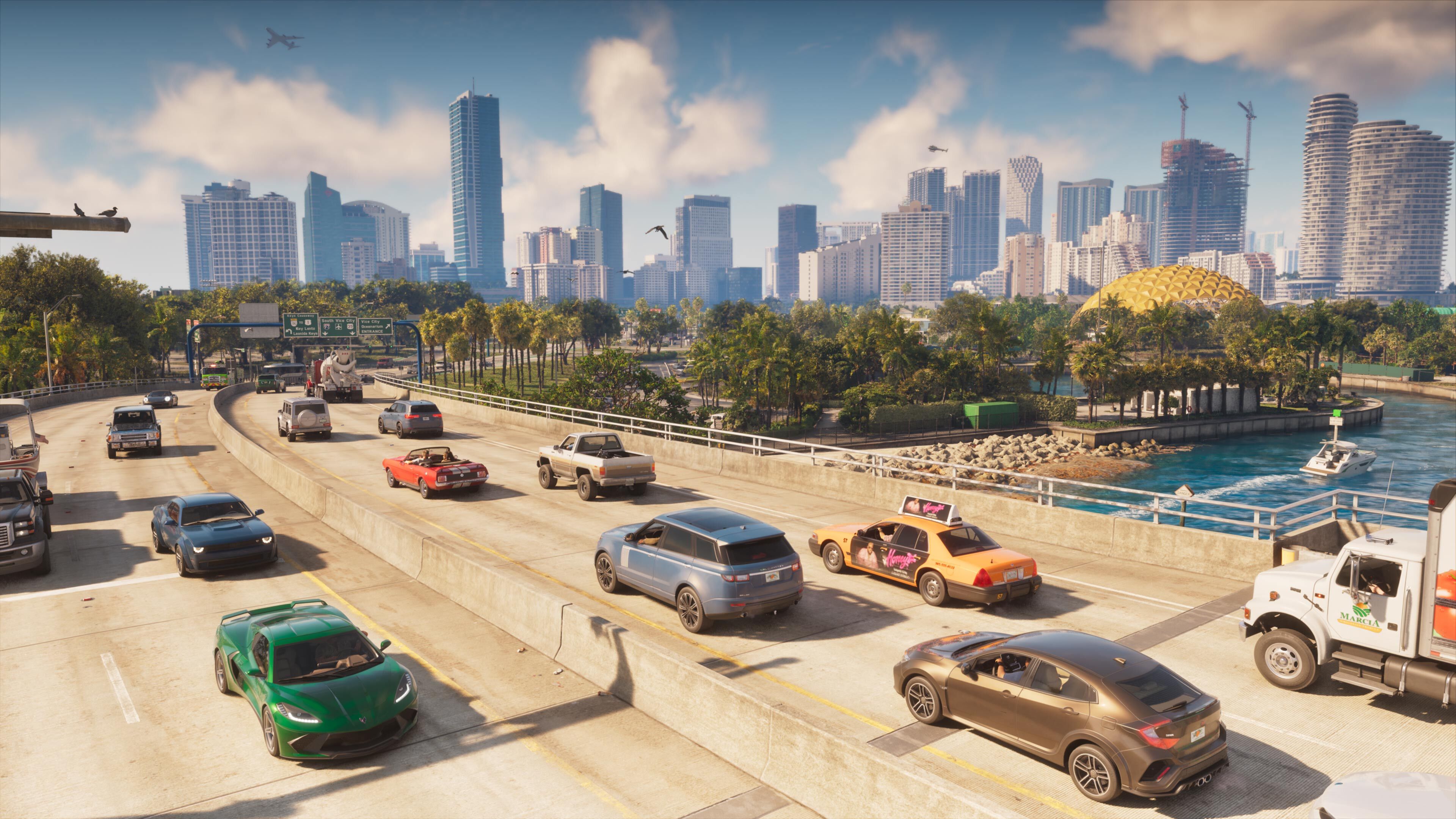
What this guide covers
This is a practical guide to the information Rockstar and PlayStation have actually published, checked on November 18, 2026. It is not a review or a claim that ViceWire has played the game. Storefront details can change, so use the linked official pages when purchasing or troubleshooting.
Release date and regional timing
Rockstar’s current GTA VI website lists November 19, 2026. Sony separately describes a rolling midnight launch by country for PlayStation, starting in New Zealand. That does not mean every player worldwide receives access at the same instant, and it should not be generalized into an Xbox unlock schedule without a corresponding platform source. Your purchased version’s store page is the most useful final reference.
Announced native console versions
The official site lists PlayStation 5 and Xbox Series X|S. PS5 Pro enhancements are described in the November platform announcements. This guide does not assign a PC release date or claim a native PS4 or Xbox One version. Rockstar’s separate mention of Xbox Cloud Gaming on Xbox One describes streaming, not a locally installed Xbox One edition.
Pre-loading: what it does and does not do
Rockstar says digital pre-order holders can pre-load from November 10. A code-in-box buyer can redeem the code and begin downloading after receiving it. Pre-loading transfers the files before release; it does not bypass the game’s unlock time. A completed download, a purchase receipt and permission to launch are three different things.
Before downloading, check that you are signed into the account used for the purchase, inspect the exact storage requirement shown by the console, and confirm the download has not paused. We do not publish a guessed install size or promise that no additional update will be required.
A sensible first-day checklist
- Confirm the purchased platform and edition against your receipt.
- Use the console’s own store and download queue rather than a third-party download offer.
- Leave enough space for the requirement displayed by the console, including any update it requests.
- Recheck regional availability if the game remains locked after installation.
- Review the game’s available accessibility, controller and audio settings when you start.
- Keep promotional videos closed if you want to encounter story moments for the first time while playing.
These are preparation recommendations, not invented GTA VI menu paths.
Which technical claims are confirmed?
Rockstar describes a 30fps target and names PS5 Pro PSSR and ray-traced-shadow improvements. PlayStation describes DualSense effects and Tempest 3D Audio. These are first-party statements, not independent benchmark results. We do not translate them into an unannounced 60fps mode or universal performance guarantee.
What remains developing coverage
Mission walkthroughs, money-making routes, collectible coordinates, multiplayer progression and detailed vehicle statistics need verified evidence of their own. Their absence from this guide means we have not established them here, not that the final game necessarily lacks them.